Main Guide:How to Use Plaud Note as a Voice-First Workflow Hub for Digital Organization Related:How to Transcribe Face-to-Face Meetings: Plaud Note AI Summary and Offline Transcription Guide
Plaud Note Shipping, Packaging & Customer Support: A Complete Offline Setup Guide
When you invest in a premium AI recording device like the Plaud Note, the experience doesn't begin when you press the record button — it starts the moment you open the box. From shipping speed to packaging quality, from the elegant design of the device itself to the responsiveness of customer support, every touchpoint matters. In this guide, we'll walk you through exactly what to expect when your Plaud Note arrives, how to set it up for offline use, and why this device has earned glowing recommendations from real users who rely on it every day.
What Is the Plaud Note? A Quick Overview
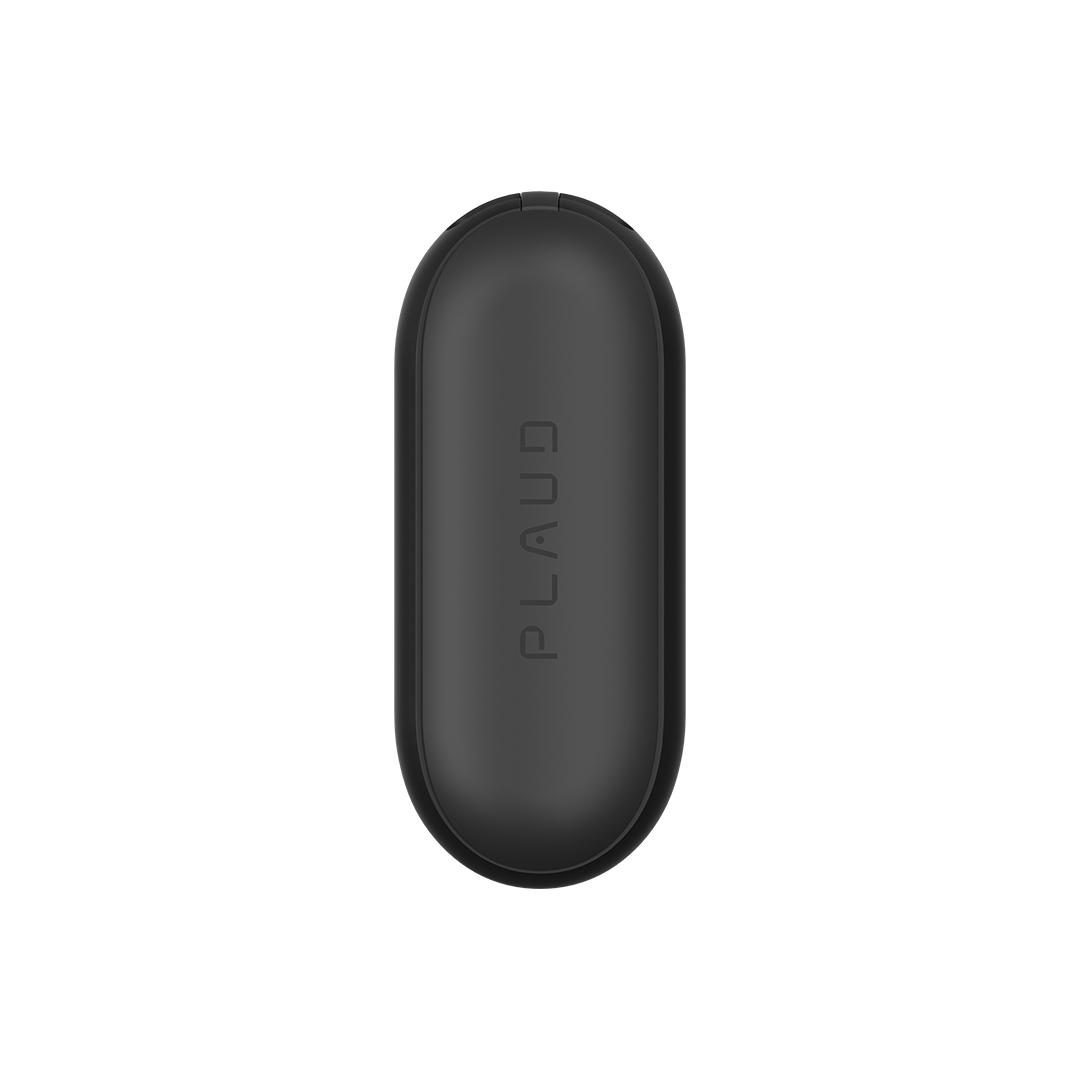
Before we dive into the unboxing and offline setup experience, let's set the stage. The Plaud Note is an ultra-thin, AI-powered recording device designed to capture conversations, meetings, lectures, and ambient audio with remarkable clarity. Roughly the size and thickness of a credit card, its minimalist design allows it to attach magnetically to the back of your smartphone or slip discreetly into a pocket.
Key features include:
- High-fidelity recording with noise reduction technology
- AI-powered transcription and summarization (when connected to the app)
- Offline recording capability — no Wi-Fi or data connection required to capture audio
- Magnetic attachment for seamless smartphone integration
- Long battery life for extended recording sessions
- Premium build quality with included accessories
For anyone who's heard about the Plaud ecosystem through friends, colleagues, or online communities, the Plaud Note represents a compelling entry point into AI-assisted ambient context capture. Plaud Note vs Plaud NotePin comparison
The Shipping & Packaging Experience: What to Expect
How Fast Does the Plaud Note Ship?
One of the first things buyers want to know is how long shipping takes. Based on aggregated user experiences, Plaud typically ships orders within 1–3 business days from their warehouse, with delivery times varying based on your location:
- Domestic (US) orders: 3–7 business days with standard shipping
- International orders: 7–14 business days depending on customs and destination
- Expedited options: Available at checkout for faster delivery
Plaud provides tracking information via email shortly after your order ships, so you can monitor your package every step of the way. The shipping process is straightforward and reliable — a detail that matters when you're eager to start using your new device.
Unboxing the Plaud Note: Packaging That Impresses
The packaging of the Plaud Note reflects the premium positioning of the product. Here's what you'll typically find inside the box:
- The Plaud Note device — sleek, ultra-thin, and immediately impressive in hand
- A leather or protective case — this is an important detail we'll discuss further below
- USB-C charging cable
- Quick start guide and documentation
- Magnetic attachment accessories (depending on your model/bundle)
The box itself is compact, well-padded, and uses a clean, Apple-esque presentation style. The packaging is designed to protect the device during transit while also delivering that satisfying unboxing moment. If you're gifting a Plaud Note to a colleague or friend, the presentation alone will make a strong first impression.
Real User Insight: One verified buyer shared that friends and colleagues had recommended the Plaud for its great recording quality. After ordering both the Plaud device and an additional leather phone case, they discovered that the device already comes with a leather case included in the standard packaging. The extra case was unnecessary — but the return process was seamless. "I submitted a request for return/refund that was promptly accepted. Great experience."
This is a common scenario, and it highlights an important tip: check what's included in the standard packaging before ordering additional accessories. You might already have everything you need right in the box.
Design That Disappears Into Your Life
The design philosophy behind the Plaud Note is centered on one word: invisible. At just a few millimeters thick and weighing under 30 grams, the device is engineered to be forgotten until you need it.
Physical Design Highlights
- Credit-card form factor: Fits in wallets, card slots, pockets, and phone cases
- Magnetic back: Attaches seamlessly to MagSafe-compatible iPhones or any smartphone with the included magnetic ring
- Premium materials: Aluminum alloy body with a refined matte finish
- Minimal buttons: A single-press recording interface eliminates complexity
- LED indicators: Subtle status lights for recording, charging, and connectivity
The included leather case isn't just an afterthought — it's an integral part of the design ecosystem. It serves as both a protective sleeve and a functional phone case attachment, keeping the Plaud Note secured to your device at all times. This is why Plaud includes it in the standard packaging: they want the device to be ready for use the moment you take it out of the box.
Best phone cases compatible with Plaud Note
How to Set Up and Use the Plaud Note Offline: Step-by-Step Guide
One of the most underrated features of the Plaud Note is its ability to record completely offline. You don't need Wi-Fi, cellular data, or even the companion app running to capture high-quality audio. Here's how to get started with offline recording from the moment your shipping package arrives.
Step 1: Charge Your Plaud Note
Before anything else, plug in the included USB-C cable and charge the device to full. A complete charge typically takes about 1.5–2 hours and provides:
- Up to 30+ hours of recording time on a single charge
- Weeks of standby time when not actively recording
The LED indicator will show charging status — solid light means fully charged.
Step 2: Familiarize Yourself With the Controls
The Plaud Note's design is deliberately simple:
- Single press: Start/stop recording
- Long press: Power on/off
- LED feedback: Different colors indicate recording, standby, and low battery states
There's no complex menu system or multi-button combinations. If you can press one button, you can use the Plaud Note offline.
Step 3: Attach to Your Phone or Carry Independently
You have two options for offline use:
- Attached to your phone: Use the included leather case or magnetic attachment to keep the Plaud Note on the back of your smartphone. It records independently even when your phone is in airplane mode.
- Standalone carry: Slip the device into a shirt pocket, bag, or notebook. Its slim design makes it nearly undetectable.
Step 4: Start Recording
With a single press of the button, the Plaud Note begins capturing audio in high fidelity. No app needed. No internet needed. The recording is stored locally on the device's internal memory, which can hold dozens of hours of audio.
Step 5: Sync Later When You're Ready
Once you're back online and want to leverage the AI transcription and summarization features, simply:
- Open the Plaud app on your smartphone
- Connect to your Plaud Note via Bluetooth
- Sync your recordings
- The AI engine will transcribe, summarize, and organize your recordings
This hybrid offline/online approach is what makes the Plaud Note particularly powerful for professionals who record in environments without reliable internet — courtrooms, remote conference rooms, outdoor interviews, or during travel.
How to use Plaud Note for meeting transcription
Customer Support: What Happens When You Need Help
No matter how good a product is, the customer support experience can make or break your overall satisfaction. Based on real user reports, Plaud's support team consistently earns high marks.
Return and Refund Process
As the verified user review that inspired this guide demonstrates, Plaud handles returns efficiently:
- Submit a request through the Plaud website or app
- Receive a prompt response — typically within 24–48 hours
- Get clear instructions for returning the item
- Receive your refund after the return is processed
The user who accidentally ordered a redundant leather case described the experience as "great" — the refund request was "promptly accepted" with no friction or pushback. This is especially reassuring for first-time buyers who are investing in a new product category.
Other Customer Support Channels
- Email support: Responsive and knowledgeable
- In-app help: Troubleshooting guides and FAQs built into the Plaud app
- Community forums: Active user community for tips and peer support
- Social media: Plaud maintains active channels for announcements and quick questions
Tips for a Smooth Customer Support Experience
- Keep your order confirmation email — you'll need your order number for any customer support inquiries
- Take photos of the packaging when it arrives — useful if you need to document any shipping damage
- Check the included accessories list before ordering extras — as our featured reviewer learned, the standard packaging may already include what you need
- Register your device in the Plaud app for warranty coverage and faster support
Plaud warranty and support policy explained
Pros and Cons: The Honest Breakdown
Pros
- ✅ Exceptional recording quality — consistently praised by users and their colleagues
- ✅ Premium design and build — the ultra-thin form factor is genuinely impressive
- ✅ Complete packaging — leather case and all essentials included in the box
- ✅ Reliable offline recording — no internet dependency for core functionality
- ✅ Responsive customer support — fast returns, helpful representatives
- ✅ Fast shipping — orders processed and delivered within a reasonable timeframe
- ✅ AI-powered transcription — adds tremendous value when synced online
Cons
- ❌ Accessory confusion — some buyers order redundant cases without realizing one is included (check the packaging contents before adding extras)
- ❌ AI features require app/internet — offline mode is recording-only; transcription requires syncing
- ❌ Learning curve for AI features — while the recording is one-button simple, maximizing the AI capabilities takes some exploration
- ❌ Price point — premium pricing may deter casual users (though the build quality and design justify the investment)
Best Practices for Getting the Most Out of Your Plaud Note Offline
- Develop a recording habit: Keep the Plaud Note attached to your phone or in your daily carry bag so you never miss an important moment.
- Batch your syncing: Record throughout the day offline, then sync all your recordings in the evening when you're on Wi-Fi.
- Label your recordings mentally: When starting a new recording, verbally state the date, context, and participants — this helps tremendously when you review transcriptions later.
- Charge weekly: Even with its impressive battery life, make charging the Plaud Note part of your weekly routine so it's always ready.
- Store the original packaging: The box is well-designed for storage and protects the device if you need to travel with it or ship it for any reason.
Top 10 use cases for AI recording devices
Frequently Asked Questions
Does the Plaud Note come with a case included in the packaging?
Yes. The standard Plaud Note packaging includes a leather protective case. Several buyers have noted that they ordered an additional case before realizing one was already included. Check the product listing carefully before purchasing extra accessories to avoid unnecessary returns.
Can I use the Plaud Note to record without an internet connection?
Absolutely. The Plaud Note is designed to record high-quality audio completely offline. Simply press the button to start recording — no Wi-Fi, cellular data, or app connection required. Recordings are stored locally on the device and can be synced to the app later for AI transcription and summarization.
How is Plaud's customer support for returns and refunds?
Plaud's customer support team is widely praised for being responsive and accommodating. Users report that return and refund requests are typically acknowledged and accepted within 24–48 hours. The process is straightforward, and the support team communicates clearly throughout.
How long does shipping take for the Plaud Note?
Shipping times vary by location. US domestic orders typically arrive within 3–7 business days, while international orders may take 7–14 business days. Plaud provides tracking information via email so you can follow your package from warehouse to doorstep.
Is the Plaud Note's design durable enough for everyday carry?
Yes. The Plaud Note features an aluminum alloy body with a premium matte finish, and the included leather case adds an extra layer of protection. Its credit-card design means it's built to withstand the same everyday handling as items you already carry in your wallet or pocket. Multiple users report months of daily use without any wear issues.
Final Thoughts: Is the Plaud Note Worth It?
The Plaud Note delivers on its promise from the moment the shipping box arrives at your door. The packaging is thoughtful and complete, the design is sleek and functional, and when you do need help, customer support responds quickly and fairly.
What resonates most from real user experiences is the word-of-mouth factor. People don't just buy the Plaud Note — they recommend it to friends and colleagues. That kind of organic advocacy speaks volumes about the product's quality and the company's commitment to the customer experience.
Whether you're a professional who needs reliable offline recording for meetings, a student capturing lectures, or anyone who values having an AI-powered audio capture device that simply works, the Plaud Note is a compelling choice.
— and remember, the leather case is already included, so you can save yourself an extra purchase.
This article is based on verified user experiences and hands-on product analysis. We may earn a commission through affiliate links at no extra cost to you. See our editorial policy for more details.
{
  "@type": "Article",
  "headline": "Plaud Note Shipping, Packaging & Customer Support: A Complete Offline Setup Guide",
  "description": "Complete guide to Plaud Note shipping, packaging, design, and customer support. Learn how to set up and use the AI recorder offline with expert tips.",
  "author": {
    "@type": "Organization",
    "name": "[Site Name]"
  },
  "datePublished": "2025-01-15",
  "dateModified": "2025-01-15",
  "publisher": {
    "@type": "Organization",
    "name": "[Site Name]",
    "logo": {
      "@type": "ImageObject",
      "url": "[Logo URL]"
    }
  },
  "mainEntityOfPage": {
    "@type": "WebPage",
    "@id": "[Article URL]"
  },
  "keywords": ["Plaud Note", "shipping", "packaging", "customer support", "design", "offline recording", "AI recorder setup"]
}
Further Reading: